
ERPNext API Explained
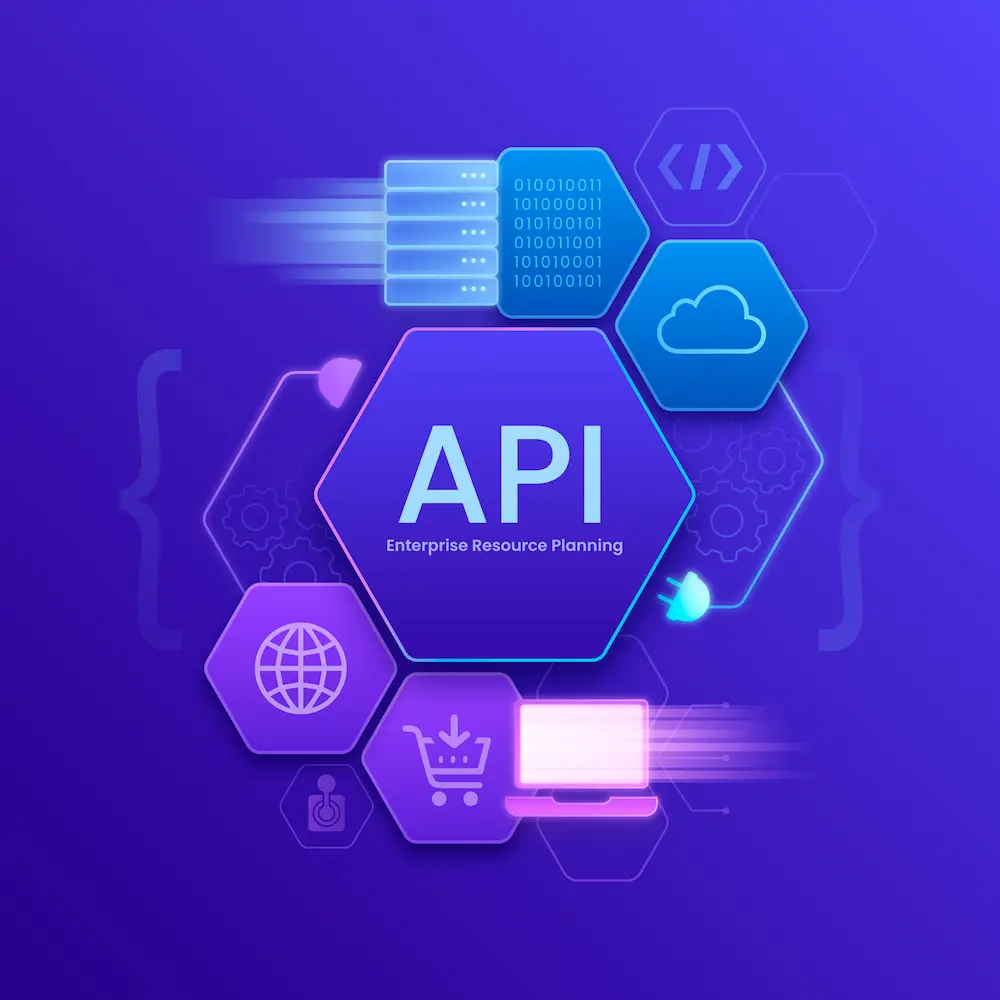
API stands for Application Programming Interface. In simple words, it is the bridge that lets two software systems talk to each other, share data, and work together automatically. In ERPNext, APIs help businesses automate tasks, sync records, and connect external applications without repetitive manual entry.
For a layman, the easiest way to understand an API is to think of it as a messenger. One system sends a request, the API carries it to another system, and the response comes back in a structured way. That is why APIs are essential in modern software. They make digital systems faster, more connected, and easier to manage.
ERPNext uses APIs to connect with websites, mobile apps, offline POS systems, payment tools, dashboards, and third-party software. When configured properly, these integrations save time, reduce mistakes, and improve how data moves across the business.
What Is an API?
An API is a set of rules that allows software applications to communicate with each other. It tells one application how to ask for data, how to send data, and how to receive a response. This is useful because it removes the need for manual copying and pasting between systems.
In business, APIs are everywhere. They are used in eCommerce, accounting, customer management, logistics, inventory control, and ERP systems. In ERPNext, the API helps the platform become a central hub instead of a standalone application.
Why ERPNext API Matters
ERPNext is built on the Frappe framework, which provides REST API support out of the box. That means many standard ERPNext records, such as customers, items, quotations, sales invoices, stock entries, and payment records, can be accessed and managed through API calls.
This matters because businesses rarely use only one software system. They may have a website, a mobile app, a retail POS, and ERPNext running together. Without API integration, employees would need to enter the same information in multiple places. That creates delays, duplicate work, and errors. With ERPNext API, data can flow automatically.
In practical terms, that means ERPNext can become the central system that keeps sales, inventory, customers, and operations aligned across multiple applications.
How ERPNext API Helps Automation
Automation means letting the system do repetitive work by itself. ERPNext API makes that possible in many practical ways. For example, when a customer places an order on a website, the order can be created automatically in ERPNext. When a sales invoice is generated, it can be pushed into ERPNext without manual typing. When stock changes, the new quantity can be updated automatically.
ERPNext also supports background jobs and scheduled tasks. That allows time-consuming processes to run in the background without slowing the user interface. This is especially useful for large imports, recurring tasks, data cleanup, and integration workflows.
How ERPNext API Supports Data Sync
Sync means keeping data aligned between ERPNext and another system. This is one of the biggest strengths of ERPNext API. A business can connect ERPNext to an offline POS application, an eCommerce store, a CRM, or a delivery platform and keep records synchronized.
For example, an offline POS can continue selling even if internet connectivity is weak. Once the connection is restored, the POS can sync customers, sales invoices, and stock movements back to ERPNext. This helps the business continue operating without interruption.
If you are using Offline POS for ERPNext, API-based sync is what keeps the front-end sales experience and ERP back office working together.
Authentication and Security
ERPNext API supports secure authentication methods so only authorized systems can access data. The most common methods are token-based authentication, password-based authentication, and access tokens.
Token-based authentication is often preferred for automation because it is simple and secure. It also helps track which user or system made the request. That is useful for auditing, permissions, and troubleshooting.
Security matters because APIs often handle customer records, invoices, stock data, and financial information. A secure integration should use strong authentication, limited access, and proper logging.
Webhooks and Real-Time Updates
Webhooks are another powerful part of ERPNext integration. A webhook sends data automatically when a specific event happens in ERPNext. For example, when a quotation is submitted or a payment is recorded, ERPNext can push that event to another system instantly.
This is useful when real-time communication is needed. Instead of checking ERPNext repeatedly for changes, the receiving system is notified automatically. That saves time and improves responsiveness.
Background Jobs and Scheduled Tasks
Some tasks should not run immediately in the user interface. ERPNext supports background jobs and scheduler events to handle these tasks smoothly. That means larger operations can run behind the scenes while users continue working normally.
This is ideal for periodic sync, recurring invoice creation, report generation, notification sending, and large data operations. It keeps the system responsive and improves the overall user experience.
Business Benefits of ERPNext API
ERPNext API is not just a technical feature. It delivers real business value. It helps companies reduce manual work, improve data accuracy, connect systems, and support both online and offline processes.
- Less manual data entry
- Fewer duplicate records
- Faster sales and stock updates
- Better integration across departments
- Improved reporting accuracy
- More efficient operations
For growing businesses, these benefits make a real difference. They help teams work faster while keeping the data consistent across the organization.
Best Practices for ERPNext API Integration
To use ERPNext API effectively, businesses should define the data flow clearly, choose the right trigger for sync, secure the authentication properly, and test error handling before going live. It is also important to keep logs so failed syncs can be reviewed later.
A good integration should not only work. It should be stable, secure, easy to support, and simple to maintain over time.
Frequently Asked Questions
What is ERPNext API used for?
ERPNext API is used to connect ERPNext with other software systems so data can be shared automatically and business processes can be streamlined.
Can ERPNext API help with offline POS sync?
Yes. ERPNext API can sync offline POS records such as customers, sales invoices, and stock updates back to ERPNext when internet access is restored.
How does ERPNext API improve automation?
ERPNext API helps automate repetitive work such as record creation, stock updates, webhook notifications, and background processing, which reduces manual effort and errors.
Conclusion
API is the bridge that allows ERPNext to communicate with other systems. REST is the style used for communication. CRUD describes the four core data actions. HTTP is the transport that carries the request and response.
When these pieces work together, ERPNext becomes a connected business platform that can automate tasks, sync data, and support custom workflows. Whether you are building a website, an offline POS, or a custom application, ERPNext API gives you the flexibility to connect everything smoothly.
Need help integrating ERPNext with your website, offline POS, or custom application? 9T9 Information Technology can help you design and implement the right solution.


